Create a link worth sharing
Choose a six-character code for each asset or channel. Update the destination from your account when the landing page changes.
Shorten links for free, put QR codes on print, and create matching profile frames for your team.
Shorten for free. Sign in when you want to manage your links.

Turn a link or text into a scannable code.
Create a square profile photo for an event, team, or brand.
Choose a six-character code for each asset or channel. Update the destination from your account when the landing page changes.
Turn a short link into a QR code, download PNG or SVG, and scan a print proof before release.
Compare eShort’s redirect count with registrations, orders, or UTM data from your destination site.
Turn a URL or text into a QR code. Preview it, then download PNG for sharing or SVG for print.
Create a free QR code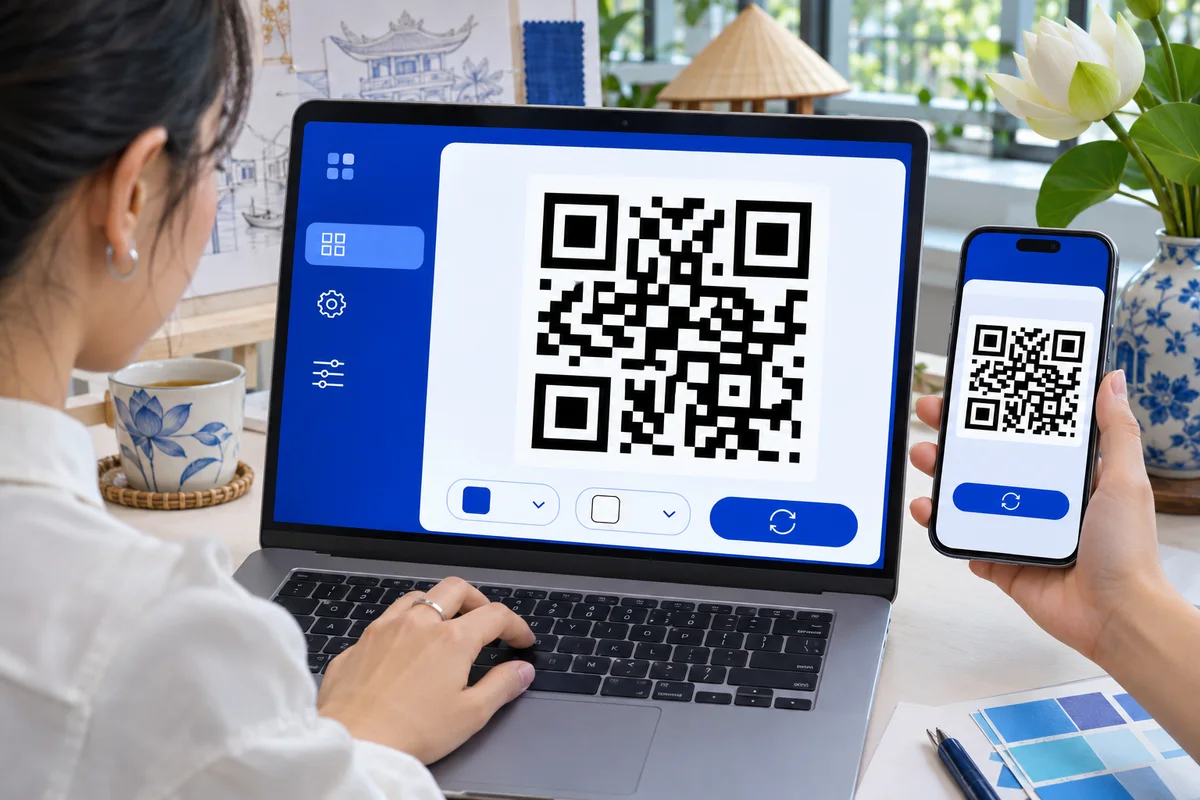

Create separate links for email and social, then use UTM tags to compare redirects with landing-page activity.
URL Shortener
Prepare a shared profile frame for colleagues to use during a launch or internal campaign.
Avatar Frame MakerGuides for marketing, events, and communications.
Plan the change around existing placements and reporting needs.
Design a transparent frame that works with different portraits and circular crops.
Prepare links for registration, the event map, and post-event feedback.
Guests can shorten links and create QR codes or avatars. Sign in to manage links and save items to your private library.
A new code is exactly six characters, using letters a–z and digits. Choose one yourself or let eShort generate it.
If the QR code contains an active eShort link, you can update its destination and keep the printed code. Scan the printed version after making the change.
eShort counts GET redirects, which can include automated traffic. Add UTM parameters to the destination to compare with sessions and conversions in your analytics tool.
Download QR codes as PNG or SVG and framed avatars as 1080 × 1080 PNG images.
Sign in and open your eShort account. Links, QR codes, and framed avatars are listed in separate tabs.
Create an account to edit destinations, track redirects, and save QR codes and framed avatars.